Savvy Electronics Guru
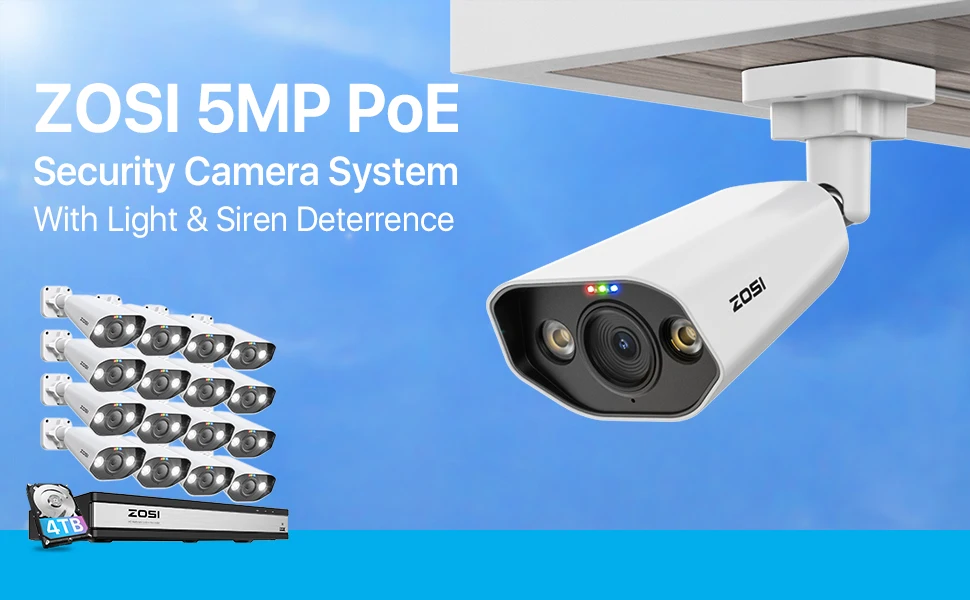
ZOSI 16CH PoE Home Security Camera System H.265+ 4K NVR with 5MP HD Outdoor IP Camera Color Night Vision Video Surveillance Kit
ZOSI 16CH PoE Home Security Camera System H.265+ 4K NVR with 5MP HD Outdoor IP Camera Color Night Vision Video Surveillance Kit
Couldn't load pickup availability
SPECIFICATIONS
AI Detection: Smart AI Face Person Vehicle Detection
Alarm System: Smart Soud and Light Alarm
Brand Name: ZOSI
CCTV Camera Security System kit: Starlight Color Night Vision
Cable Length: 18m
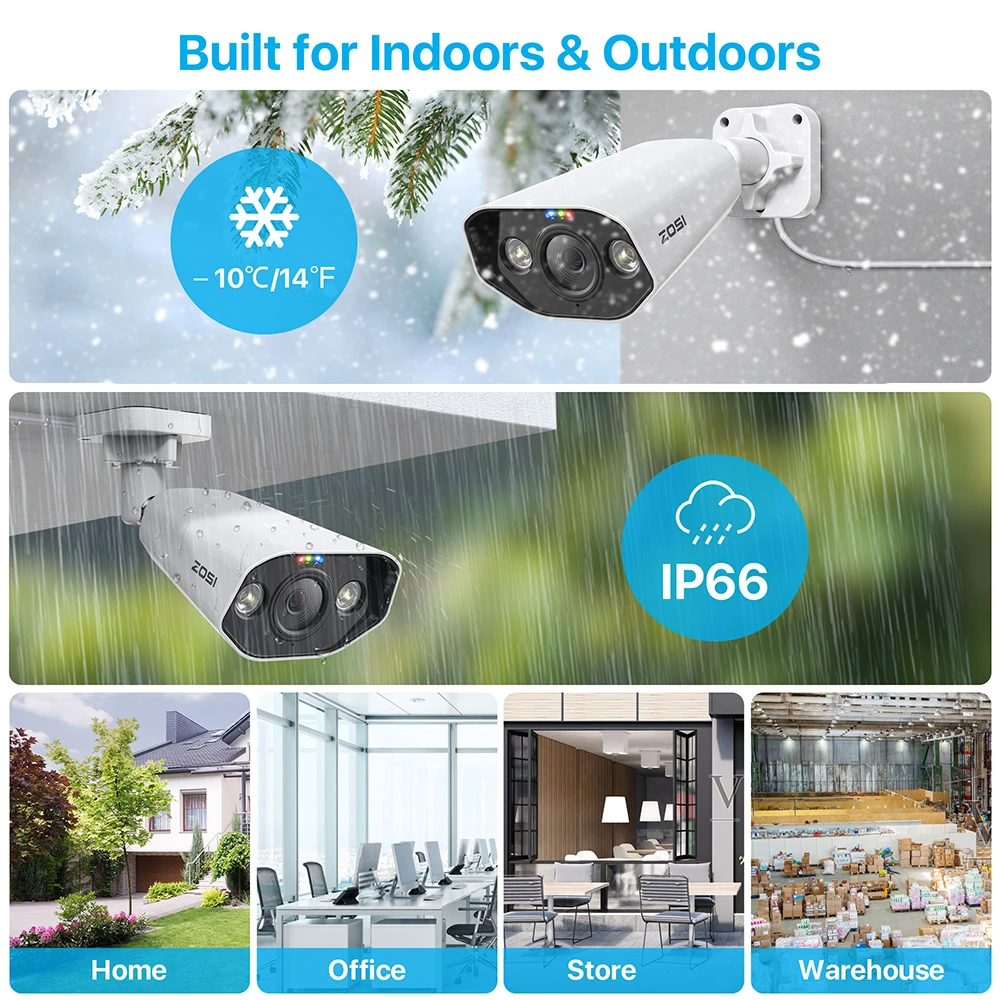
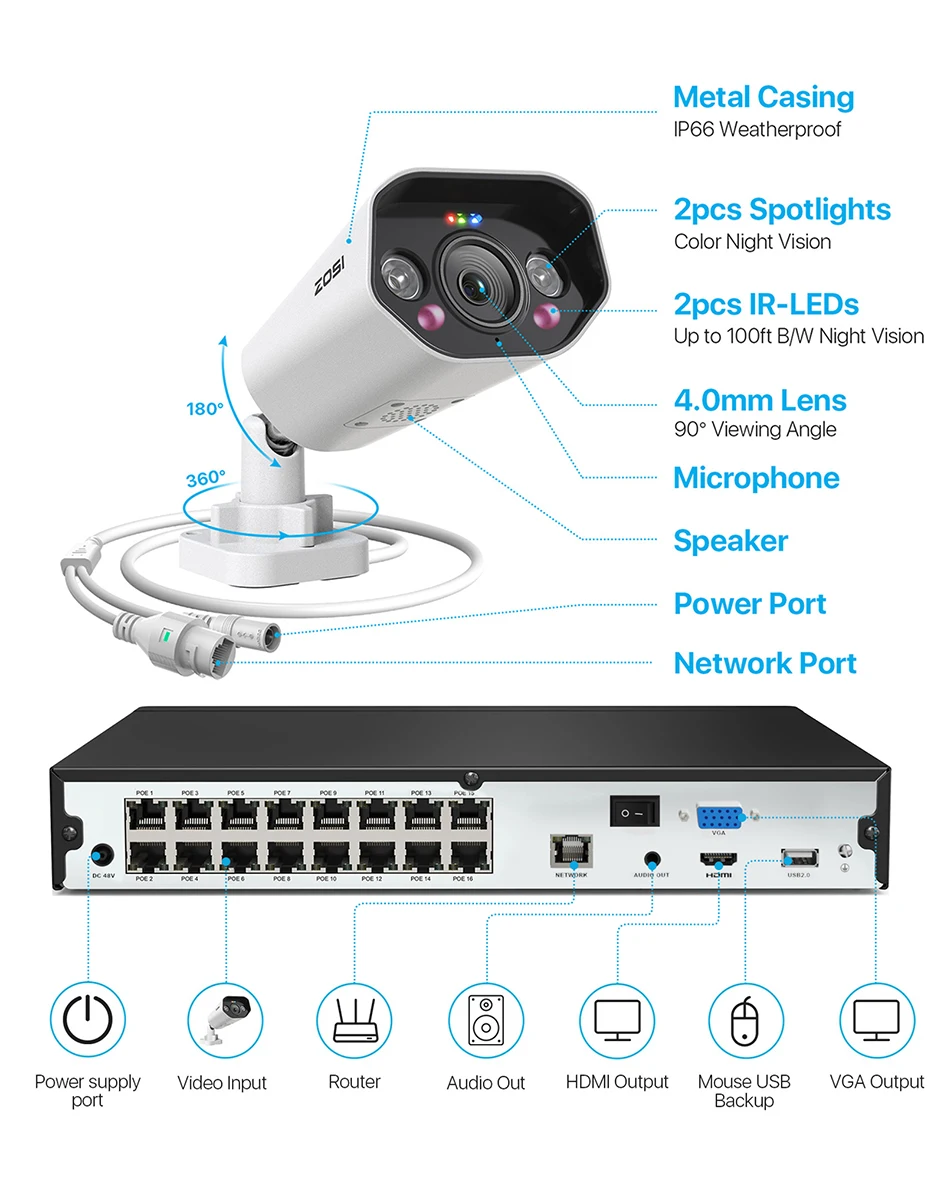
Camera Housing: Metal,IP66 Waterproof
Certification: CE,FCC
Connectivity Technology: Wired
Feature: 5MP POE Video Surveillance KIT
HDD: 4TB Hard Drivei Pre-installed in NVR
High-concerned chemical: none
Language: Support Multi Languages
PCS of Camera: 16pcs,8PCS
POE Camera System: 24/7 Recording
POE NVR: 4K 16CH H.265+ POE NVR
Power adapter plug type: EU/AU/US/UK for option
Remote Access: iPhone,iPad,Android & PC Client
Resolution: 5 MP
Smart home platform: NONE
Support: Two Way Audio
Video Input: 16 Channel

Key Features:
· High quality imaging with 5MP resolution
· Person vehicle detection & instant alerts
· Two way audio,built-in microphone and speaker
· 4K 16 ports NVR upgrade 32CH expandable
· Advanced H.265+ high efficiency video compression
· Smart light and sound warning
· Flexible recording modes
· A full metal casing with an IP66 waterproof rating
· Night Vision:starlight night vision,color night vision and IR B&W night vision
Package Content:
1 x 16CH 4K NVR(Pre-intalled 4TB HDD in NVR)
8/12/16 x POE Security Cameras
8/12/16 x 60ft Ethernet Cable
8/12/16 x Mounting Template
1 x Power Supply
1 x USB Mouse
1 x Ethernet Cable
1 x HDMI Cable
8/12/16 x Screw Bags for Camera
8/12/16 x Warning Sticker
1 x Quick Start Guide
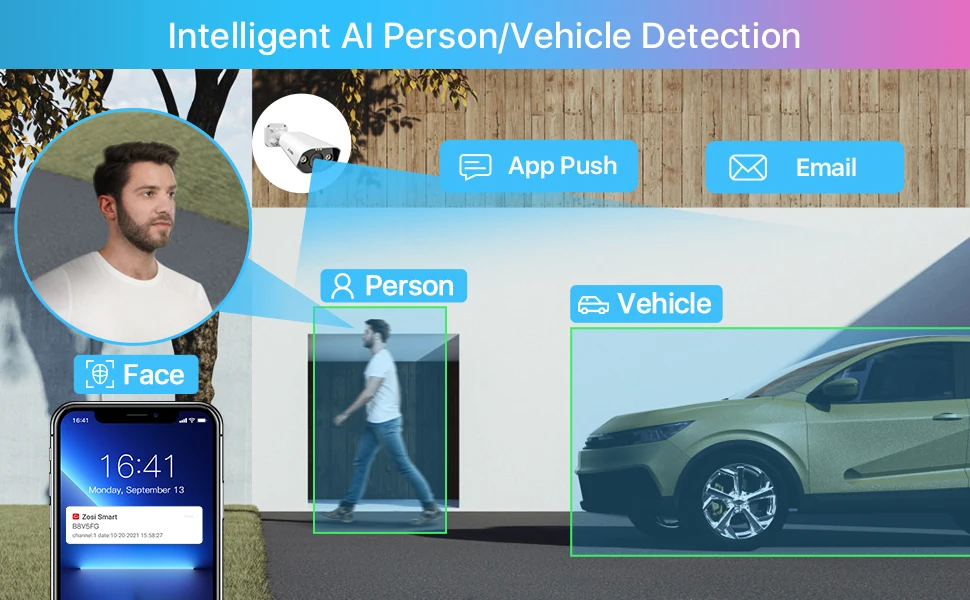
Detects Out, Alerts Now
The AI-based system can detect people or vehicle from other objects, thus you will only get notified about things that matter .
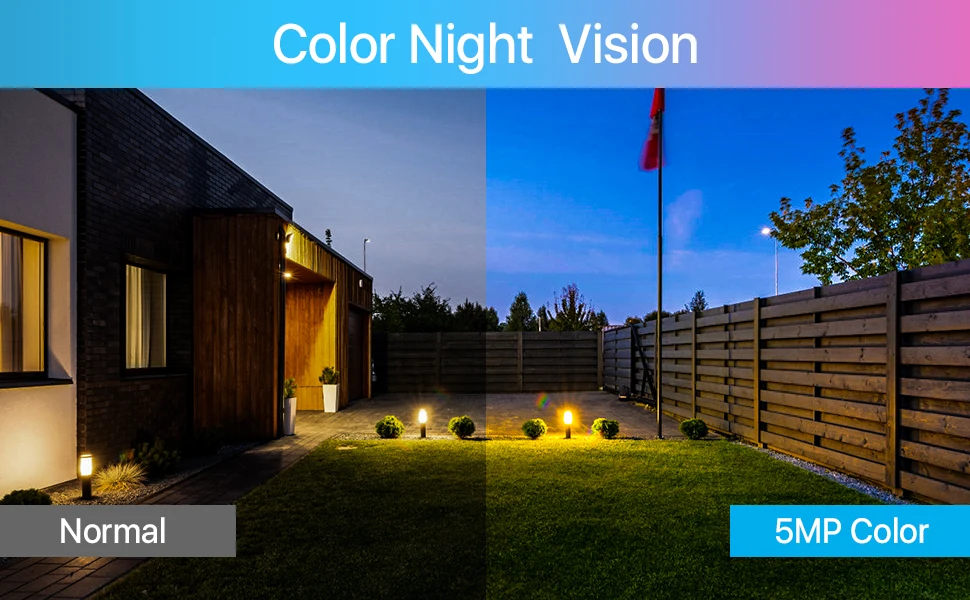
Full Color Night Vision
Enjoy the best full color night visual experience with 24/7 flawless streaming.
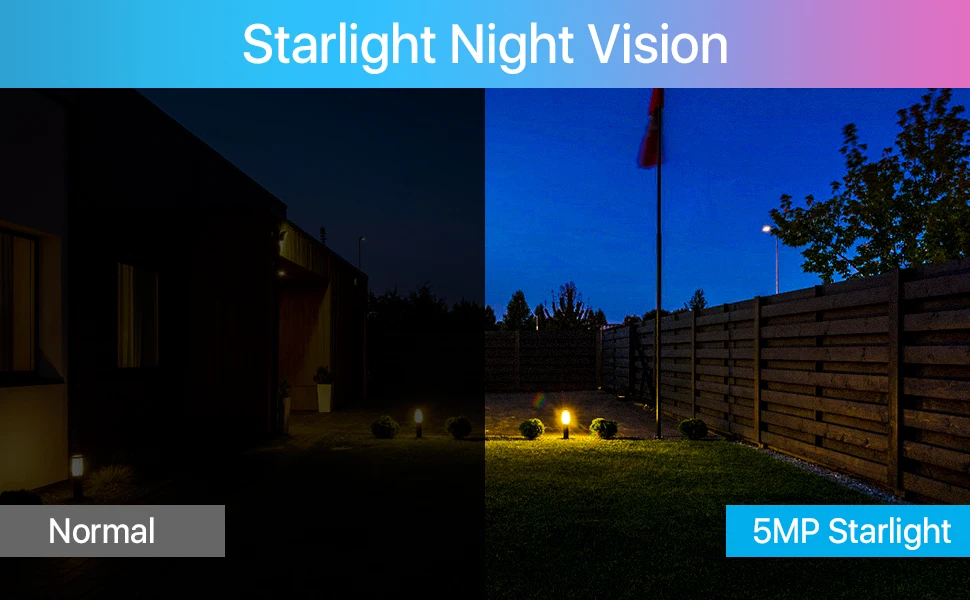
Starlight Night Vision
High-performance starlight sensor helps bringing more vibrantly colored details to identify people and vehicles.
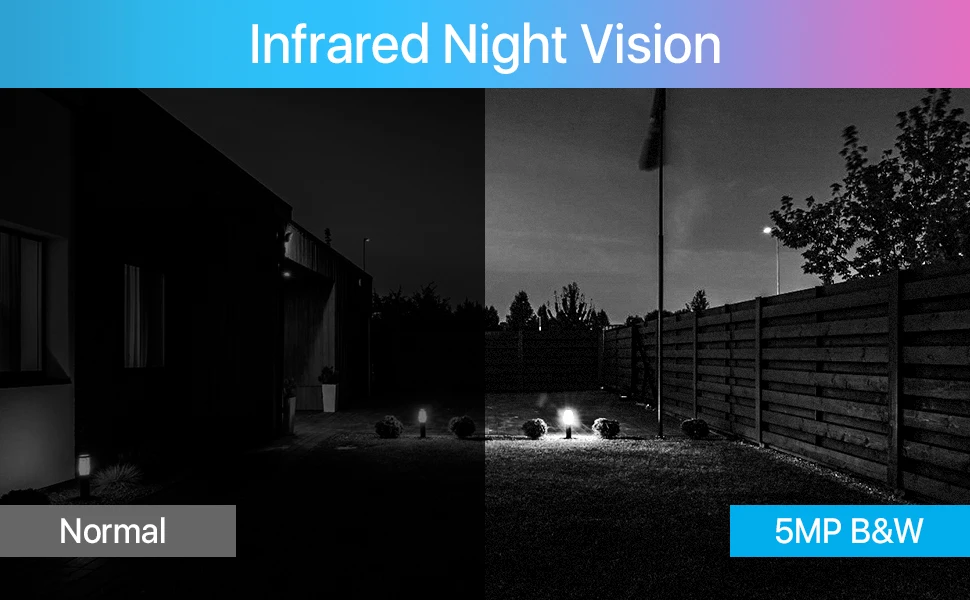
B&W Night Vision-Default
B&W night vision with infrared LEDs captures every sharp detail.
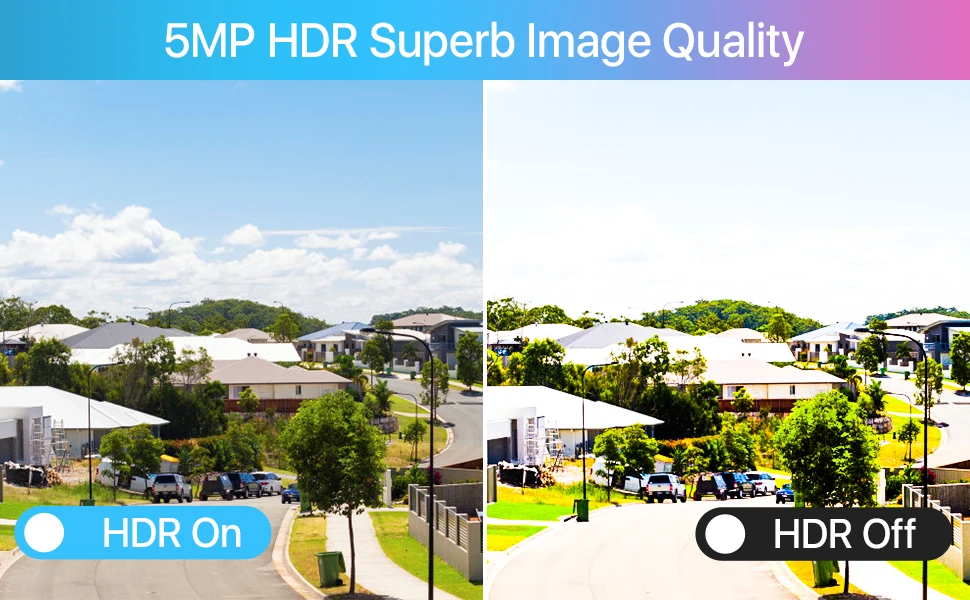
Capture Sharp Details in 3K HD
3K HD video brings you closer to reality than ever with the finest details captured.
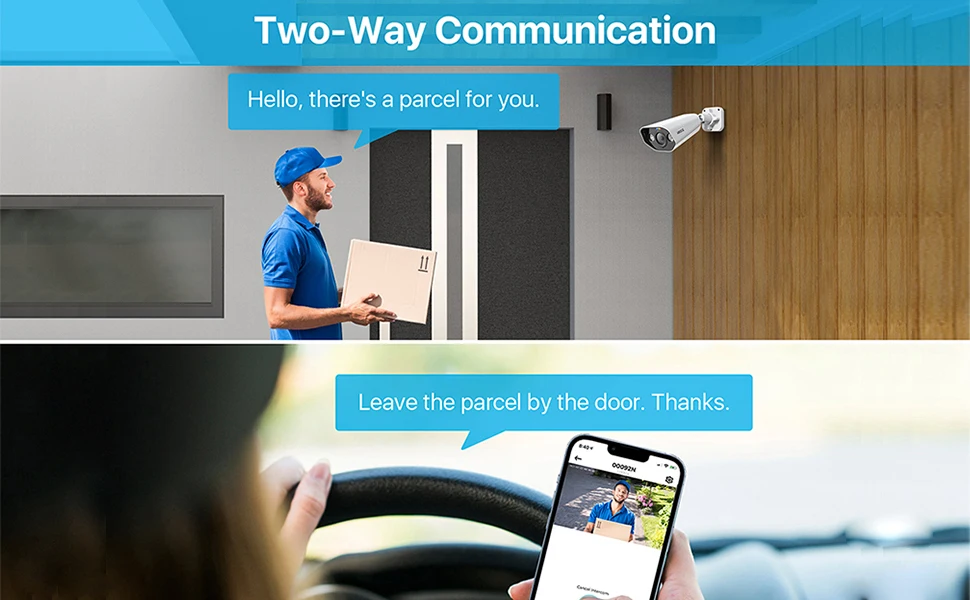
Two-Way Talk in Real Time
You can hear and talk directly to anyone who approaches via built-in mic and speaker.
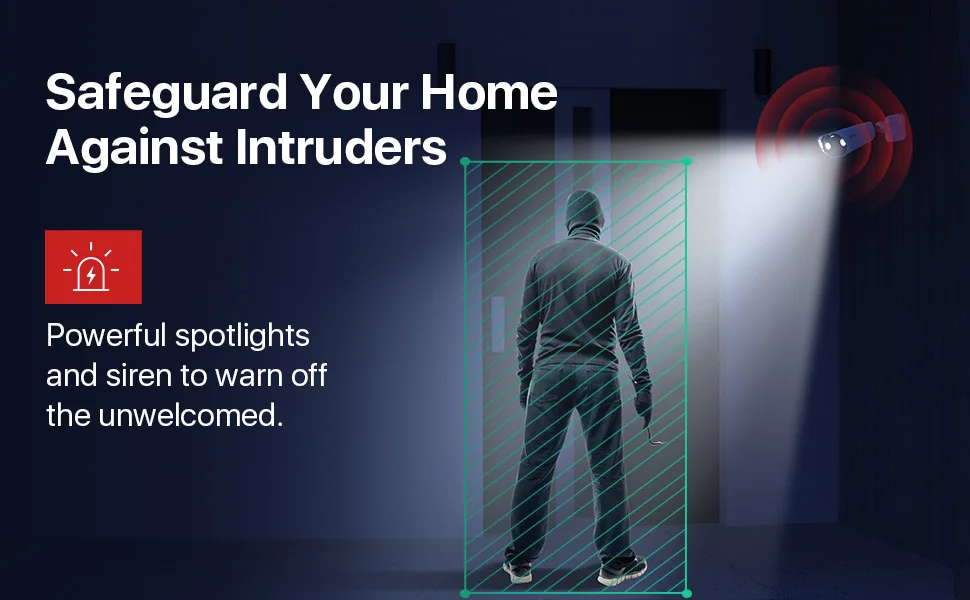
Double Defense Against Intruders
Spotlight camera shine a bright light on motion events, plus siren alerts to protect your property.
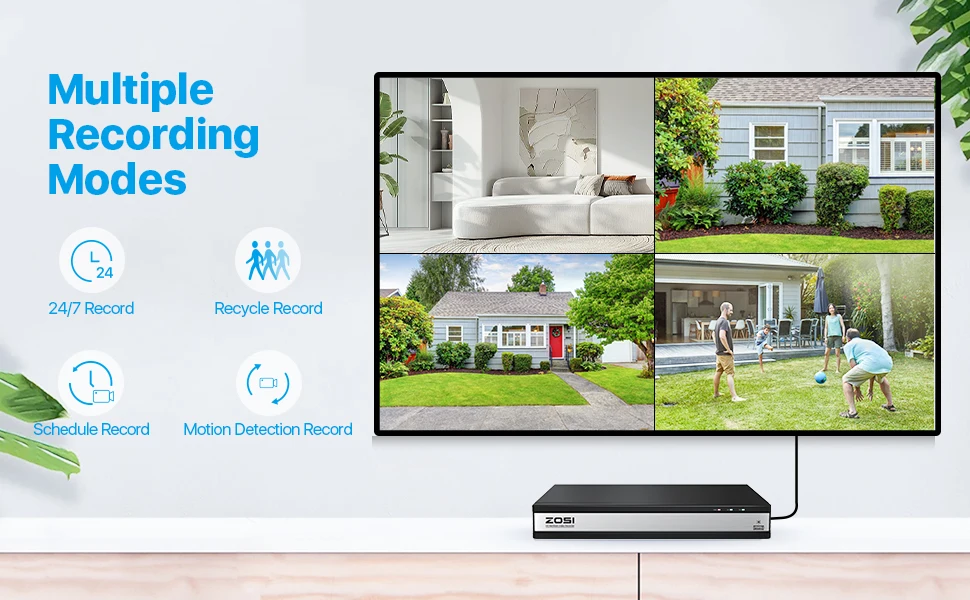
Versatile Recording Modes
Choose from 24/7, human/vehicle/motion, schedule, or recycle recording modes.
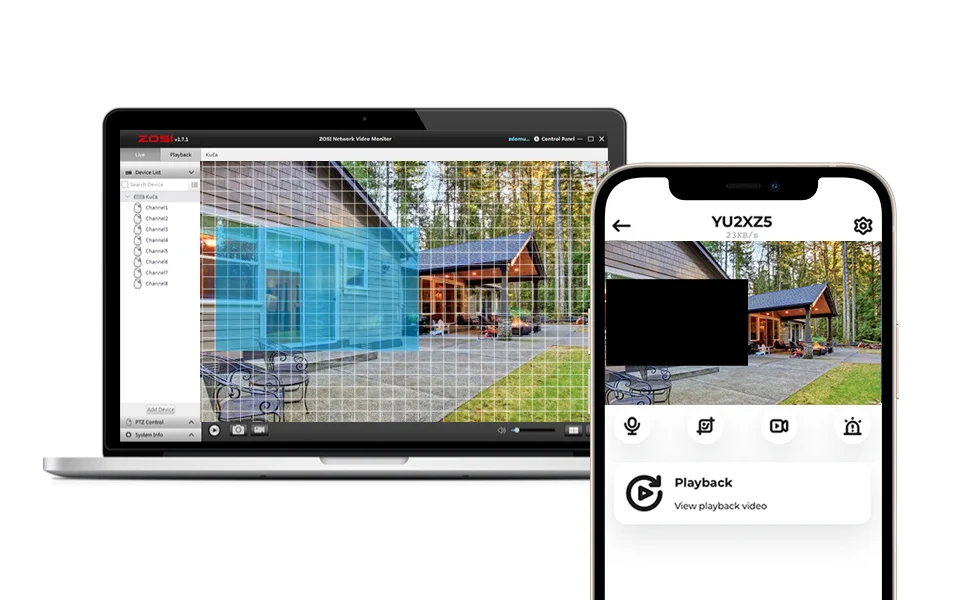
Customize Your Detection
Specify detection areas, adjust motion sensitivity level and black out certain spots to focus on what you want the camera to record.
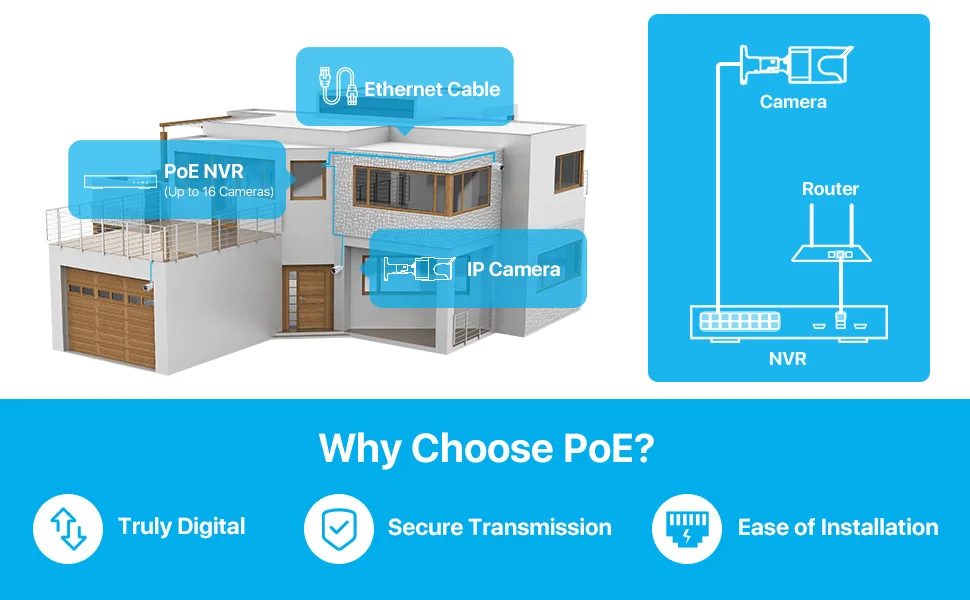
Plug & Play PoE Setup
Easy installation, plug & Play, with a single ethernet cable to transmit both power and video data.
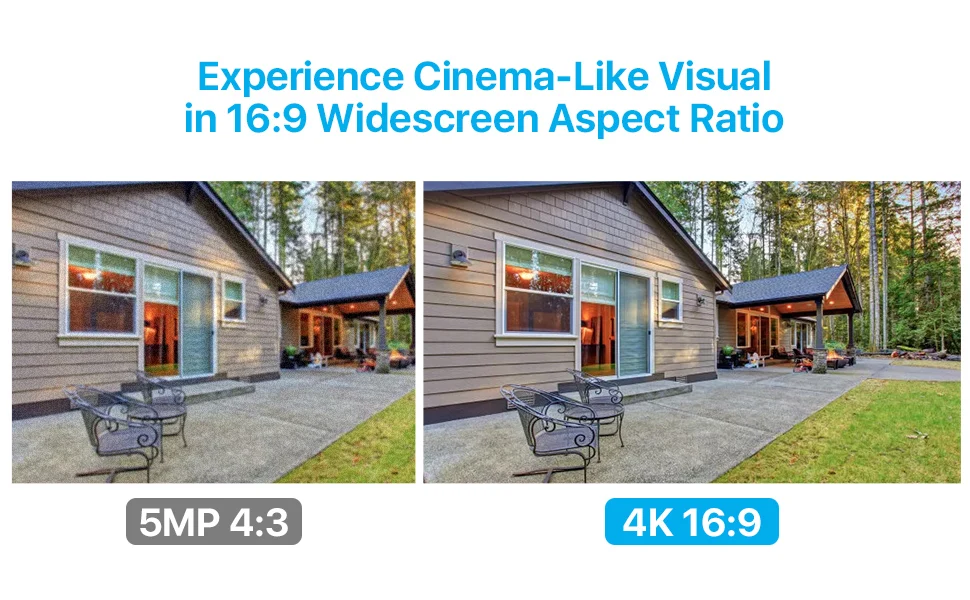
Better Visual Effects
This camera security system 8.0MP UHD and 16:9 widescreen aspect ratio gives you cinematic visuals.
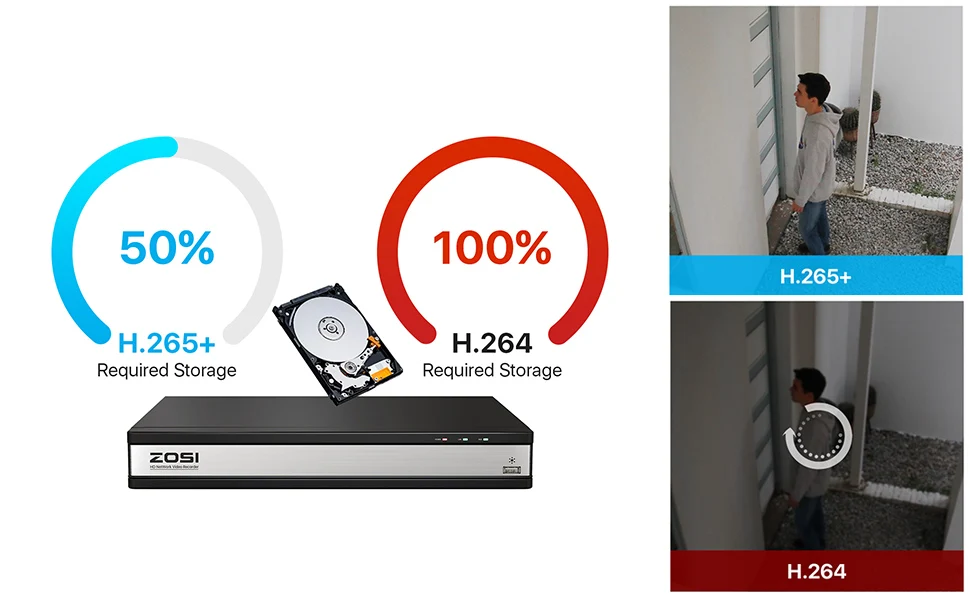
Save Hard Drive Space
H.265 (HEVC) offers up to 50% better compression than H.264, saving bandwidth and storage while maintaining quality.
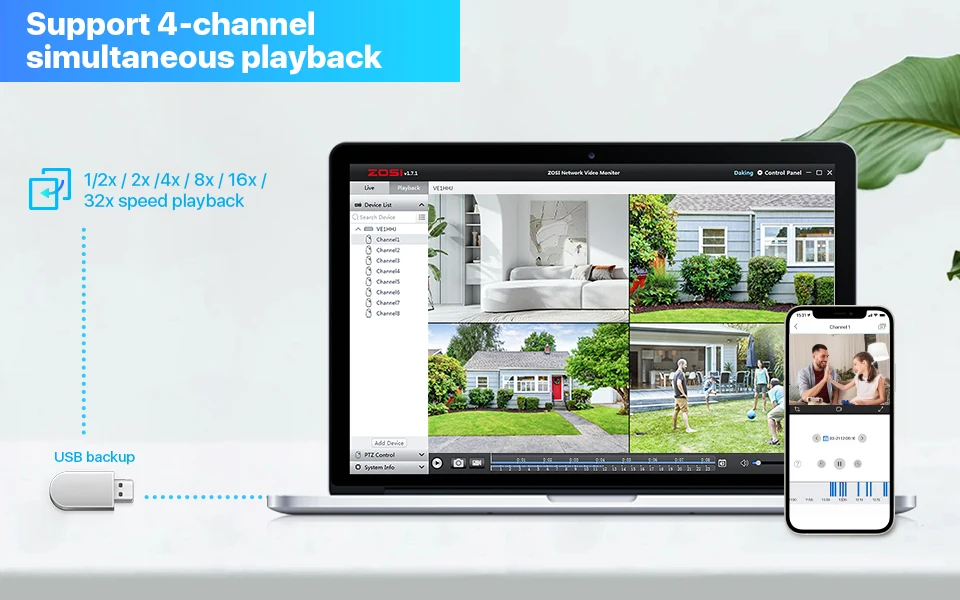
Smart Search Saves You Time
Instantly find and playback critical events by filtering for only people or vehicles.
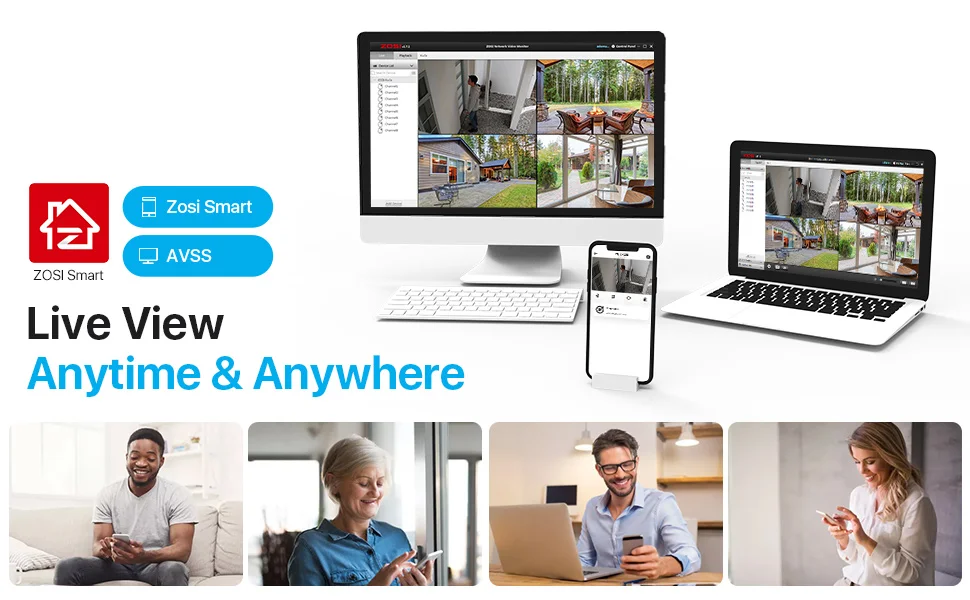
Live View Anytime & Anywhere
Download the Zosi Smart app on your smartphone (iOS or Android), and enjoy four cameras simultaneous viewing on the app. You could also view the live view on computer via AVSS PC client.
IP66 Weatherproof
Encased in a solid aluminum shell, the robust camera withstands harsh weather conditions. It keeps you protected inside and out.
Q&A
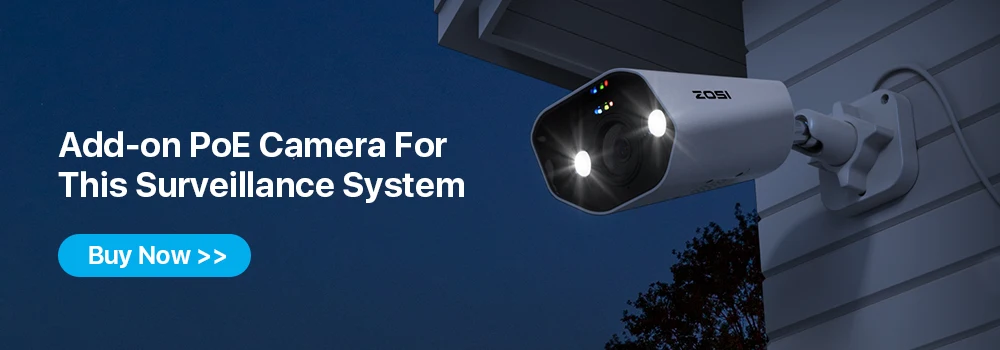
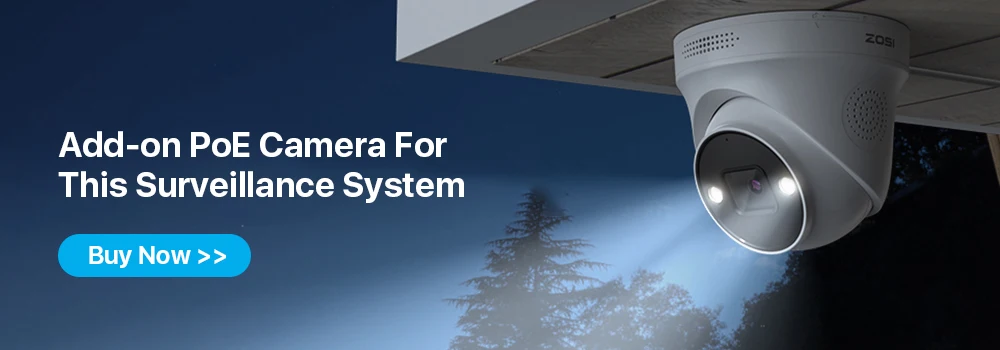
Question 1: Can I add more cameras to this system?
Yes. You can add more (only ZOSI) 8MP, 5MP, or 2MP POE Bullet or dome cameras. But the total number of cameras connected to the NVR should not exceed 16.
Question 2: Why can't I hear audio when watching live on NVR?
1. The NVR can transmit audio only when the monitor/TV is connected via HDMI cable, otherwise the monitor/TV will have no sound output.
2. Click the right mouse button -Go to Main Menu- Set up - Click the audio, you can adjust the volume and select the channel to play the audio.